


The National Examinations Council, NECO, has released the much-anticipated 2024 results.
While briefing newsmen in Minna, Niger State on Thursday, NECO Registrar, Professor Dantani Wushishi, disclosed that 1,147,597 representing 83.90 percent made five credits and above, irrespective of English Language and Mathematics.
Candidates needs to understand how to access the NECO 2024 results.
Follow the steps below to check your result online.

Visit the NECO Portal:





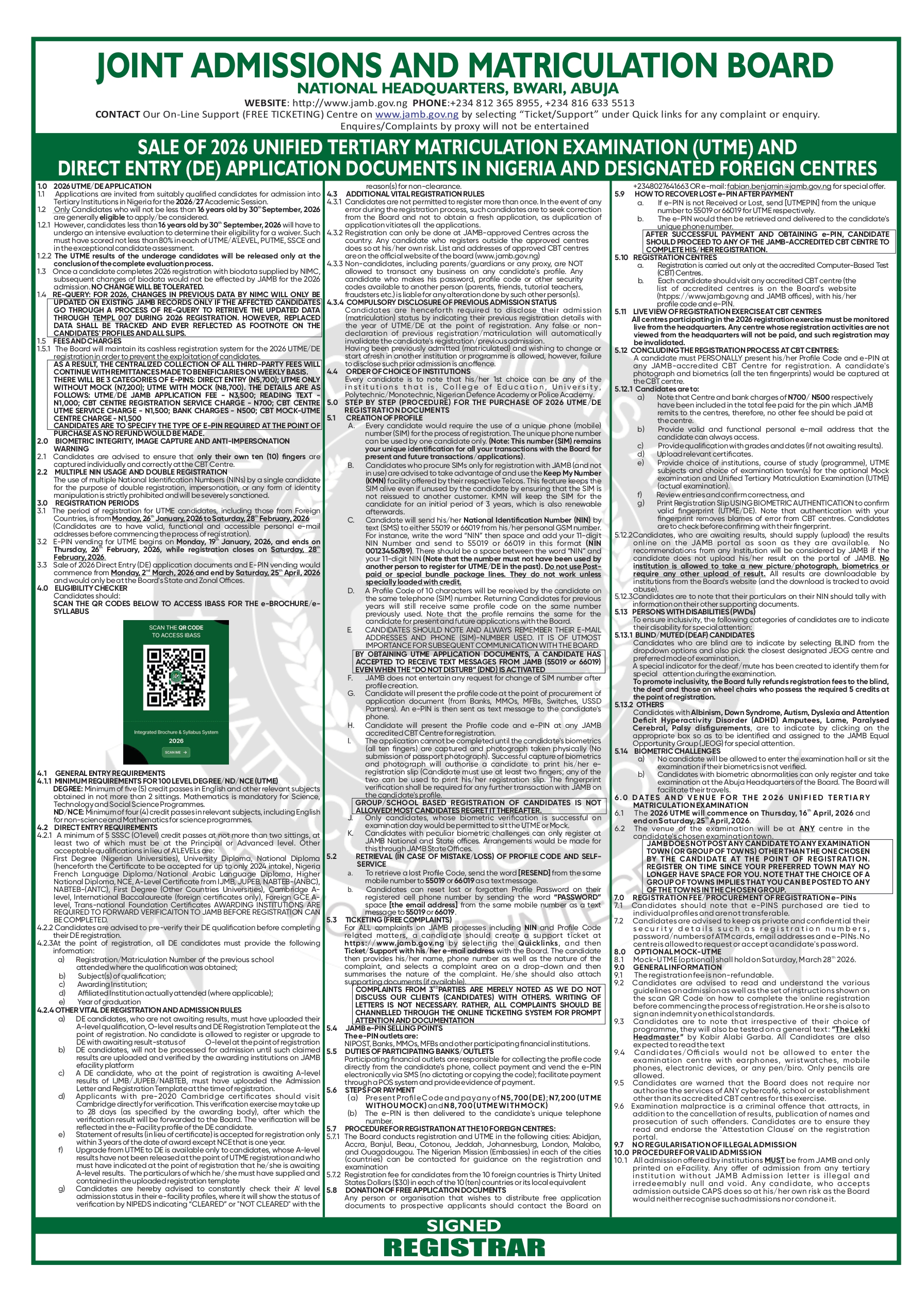
Go to the official NECO results portal at https://www.neco.gov.ng.
Navigate to ‘NECO Results’:


Once on the homepage, select the ‘NECO Results’ option. You will be directed to the results-checking section. Or, you can directly visit the result portal at https://results.neco.gov.ng.
Enter Your Examination Details:
Provide your exam year (2024), the type of exam (June/July or Nov/Dec), and your unique examination number.
Input Your Token:
If you haven’t already purchased a result-checking token, you can buy one directly from the NECO website. Input the token in the appropriate field to proceed.
Check Your Results:
After providing all the necessary information, click the ‘Check Results’ button. Your results should appear on the screen within seconds.